YOUR SECOND BRAIN
A home for everything you want to keep.

Drag a photo into him.
01 / HOW IT WORKS
Keep it. Find it. Keep going.
A look at how Archive works.
- 01
Drop it into archive.
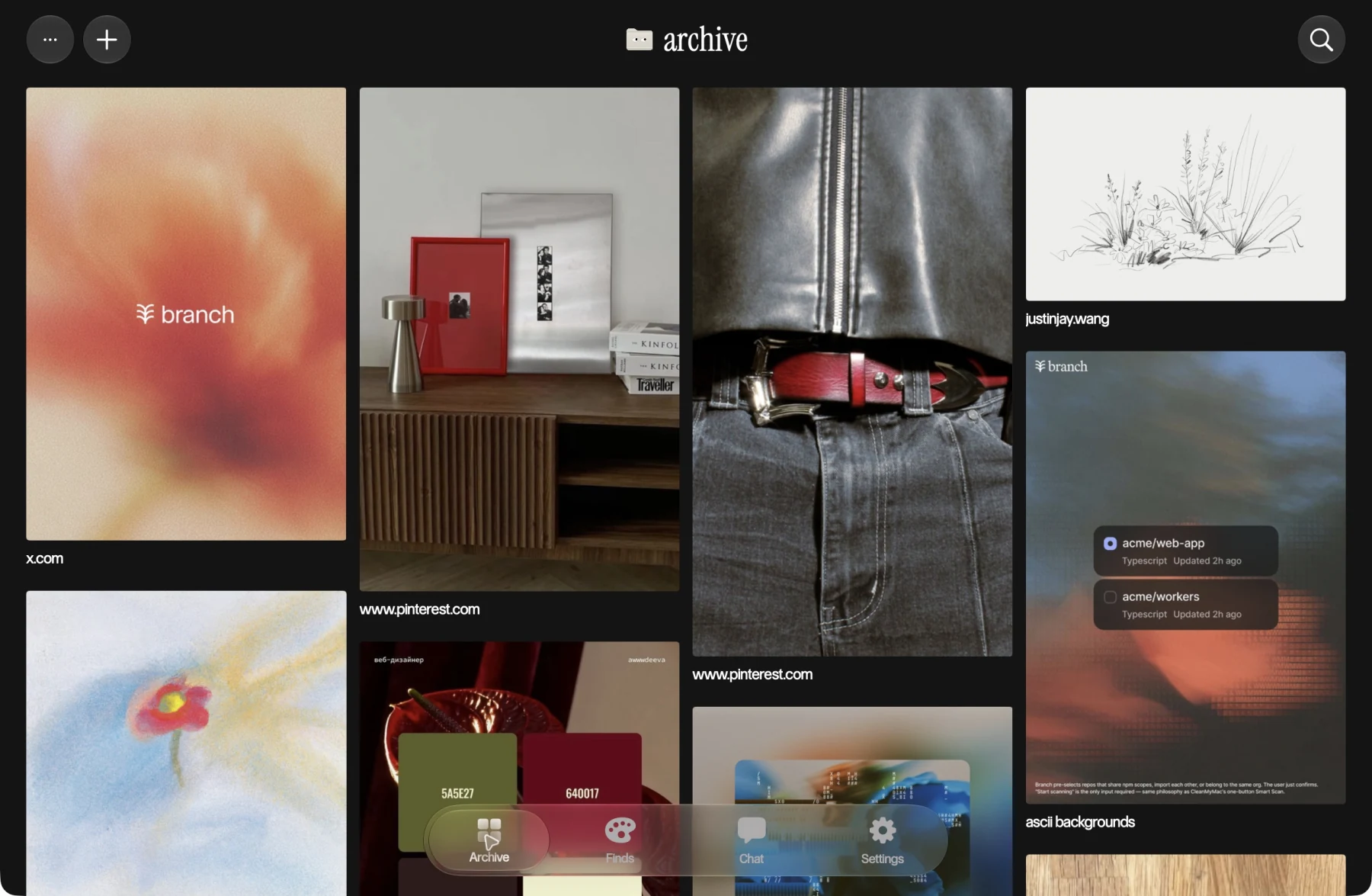
Something worth keeping? Drag it into the little folder on your desktop, or paste it in.
 02
Leave the sorting to him.
Save first. The idea is simple: archive understands what you keep, so you don’t have to file everything yourself.
 03
Find it when you need it.
The article, the room, that thing you saw last week. Search your archive and pick up where you left off.
02 / FINDS
You save what you love.
Archive finds what’s next.
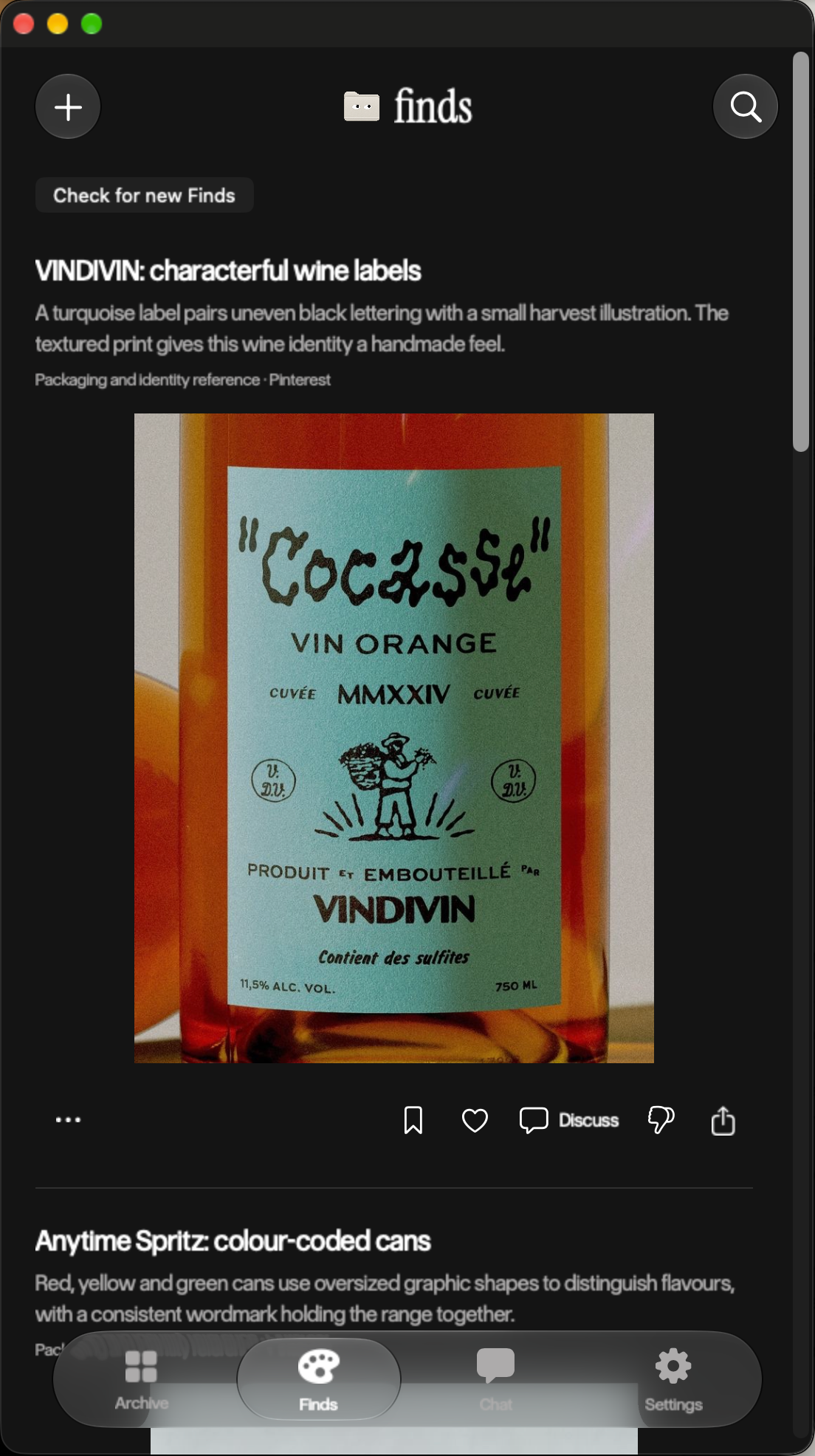
New references to explore, all in Finds. Keep the ones you love, ask for more like them, or start a conversation.
03 / A FEW QUESTIONS
Frequently asked questions.
What is archive?
A place for the things you want to keep, with a little folder companion on your desktop. This version explores saving, automatic organization, and finding things again.
Is this the finished desktop app?
This is an early Mac release, and we’re continuing to refine it. The screenshots show the current desktop experience.
Do I need to take a taste test?
Archive starts with what you save. You can get started without taking a visual taste test.
When can I try it?
Download archive for Mac using any Download for Mac button on this page. Requires macOS 14 or later, with support for Apple silicon and Intel Macs.